There are two ways to learn what website hosting and maintenance actually covers. One is to read a plan’s feature list. The other is the bad week — the update that breaks a template, the form that quietly stops sending email notifications, the morning the site simply doesn’t load. We’ve spent fourteen years on the second kind of education so our clients don’t have to be. Here’s what the work actually is, and what any plan — ours included — should be doing for the money.
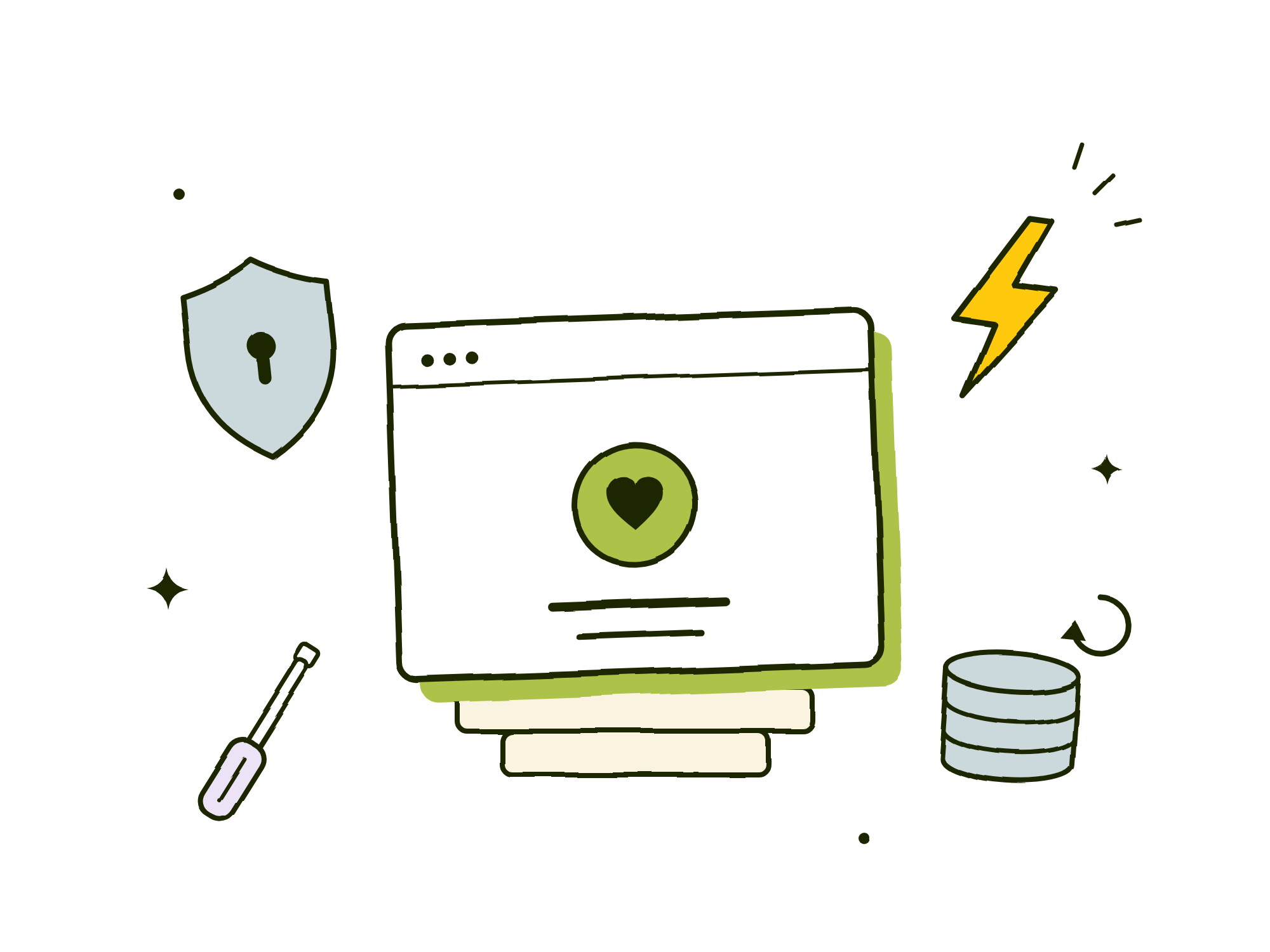
Hosting keeps you online. Maintenance keeps you well.
Hosting is the ground your site stands on: the server, the connection, the capacity to stay up when traffic arrives. It’s what a $10-a-month budget plan from the likes of GoDaddy tries to sell you, but as so many have found out eventually falls short.
Maintenance is everything: software updates, security patches, monitoring, and a person who notices when something drifts. This is the half the cheap plan quietly leaves out — WordPress, its plugins, and its themes ship updates constantly, and every one of them is a small chance for something to break. Skip the work and the site decays in place; nothing fails today, and then one week later everything does.
The six jobs you’re paying for
Strip away the plan names and tiers, and hosting-and-maintenance is six jobs:
- Security. Server hardening, daily malware scanning, and — above all — staying current, because most hacked WordPress sites are compromised through software that had a fix available and never got it or compromised admin passwords.
- Speed. Infrastructure tuned for what it’s actually running: caching, a CDN so your files are stored on servers across the country, a database that’s looked after. Speed isn’t cosmetic — it’s rankings, and it’s whether visitors stay.
- Stability. Core, plugin, and theme updates with compatibility testing. Clicking “update” is a button; knowing the update won’t take your booking form down is the job.
- Backups. Automatic, database and files both — stored off-site in a separate region. A backup that lives on the same server as the site dies with the site; it’s a copy, not a backup.
- Troubleshooting. When something does break, a person who already knows your site — reachable directly via email or phone, not through a ticket queue that could be untenably long.
- Peace of mind. Not a feature — the product of the other five. The whole point of paying for hosting and maintenance is getting to not think about your website. This is where our product offering shines and provides much more value than the budget options.
What our flat $799 a year includes
Our Oregon web hosting and maintenance plan starts at a flat $799/year, billed annually — $999/year for e-commerce sites, where the caching has to be tuned to skip carts and checkouts. In both cases the rate covers:
- Hosting infrastructure, security hardening, and a CDN
- Automated backups (database and files) with 90-day retention, stored off-site — restores on request at no charge
- Daily security and malware scanning
- WordPress core, plugin, and theme updates with compatibility testing
- Direct email and phone support during business hours
- No bandwidth overages, no premium support tiers, no surprise invoices
Just as important is what it doesn’t include, so nobody finds out mid-project: new feature development and design changes, content writing, and custom third-party integrations are scoped and quoted separately. We also host sites we didn’t build — same $799/year, after a short technical review. And leaving is free: ask for a full backup of your site at any time and we’ll hand it over.
Questions to ask any host — including us
- How do you secure the sites you host? We employ a multi-faceted approach to securing WordPress sites. We start with a sophisticated firewall that is tuned to the ways WordPress site are typically attacked. From there we hardened WordPress core in various ways to turn off features not used and optimize it to only allow functionality that is mission critical. Lastly we setup monitoring so that any unauthorized modifications to your code base gets an alert sent to Josh who jumps in to investigate. In addition to these procedures, we make sure all admin accounts have strong passwords and enforce that for the duration we host your site.
- Who actually applies updates — and does anyone test them? “Managed” sometimes means auto-update-and-hope. We ensure future plugin updates will not break your site and if they do, we are alerted through our monitoring system to quickly patch and rollback the updates.
- Who answers when something breaks? A named person who knows your site, or a queue? At Abide, Josh will be the one handling your questions. He makes himself available via both email and phone.
- What happens if I leave? A good answer is a full copy of your site, promptly and for free. A bad answer is a retention offer.
- Is the price actually flat? Look for overage clauses, traffic tiers, and support that costs extra precisely when you need it.
Boring is the goal
Two honest caveats about us. We don’t sign formal service-level agreements — our real-world uptime runs well above 99.9%, and we’d rather show you that record than a contract clause. And we’re not a 24/7 network operations center; we’re a two-person Corvallis studio that answers directly during business hours. For the small-business and nonprofit sites we host, that trade — people who know your site over a call center that doesn’t — is exactly the right one. If your site needs a NOC, we’ll tell you that too.
If you’re weighing a plan right now — anyone’s — take the six jobs and the questions above with you. If you’d like us to take a look at your site, onboarding typically takes three to seven days and starts with a short technical review: tell us about your site. And if you’re pricing a whole project, our guide to what a website costs in Oregon publishes every number we charge.